

Vigilance Buddy: PVT app for research
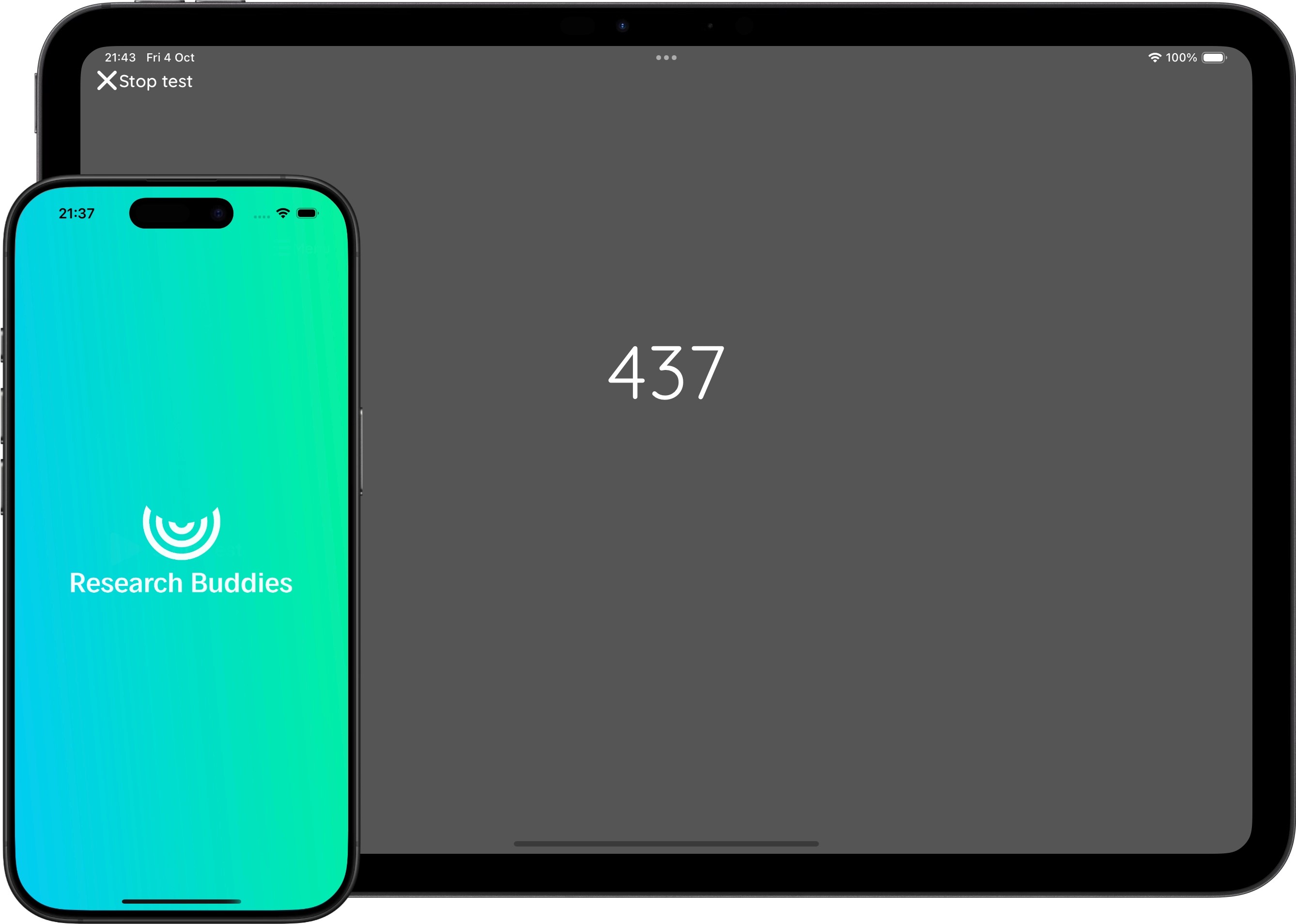
Vigilance Buddy runs the Psychomotor Vigilance Task (PVT), also called the psychomotor vigilance test, on iPhone, iPad and Android. Participants tap as soon as a millisecond counter starts, and the app logs every reaction time, false start and slow response.
One-time purchase · No subscription · No account · iOS & Android · 9 languages
What the PVT measures
The Psychomotor Vigilance Task measures sustained attention through simple reaction time. A stimulus appears at random intervals and the participant responds as fast as possible. Slower responses and lapses track fatigue and sleep loss closely, which is why the PVT is a standard measure in sleep, shift-work and fatigue research.
Like the original PVT hardware, Vigilance Buddy shows a counter that runs in milliseconds until the participant taps, so the participant sees their own reaction time as feedback.
Settings
- Test duration: in minutes (default 5).
- Minimum and maximum time between stimuli: in milliseconds (default 500 and 3500). Each interval is drawn at random within this range.
- Result display time: how long the reaction time stays on screen after a tap (default 1 s). It is added to the next interval.
- Slow-response threshold: in milliseconds (default 500), used to count slow responses.
To approximate the standard 10-minute PVT with stimuli 2–10 seconds apart, set the duration to 10, the interval to 1000–9000 ms and the result display time to 1 second. A stimulus that gets no response ends after 5 seconds.
Results and CSV export
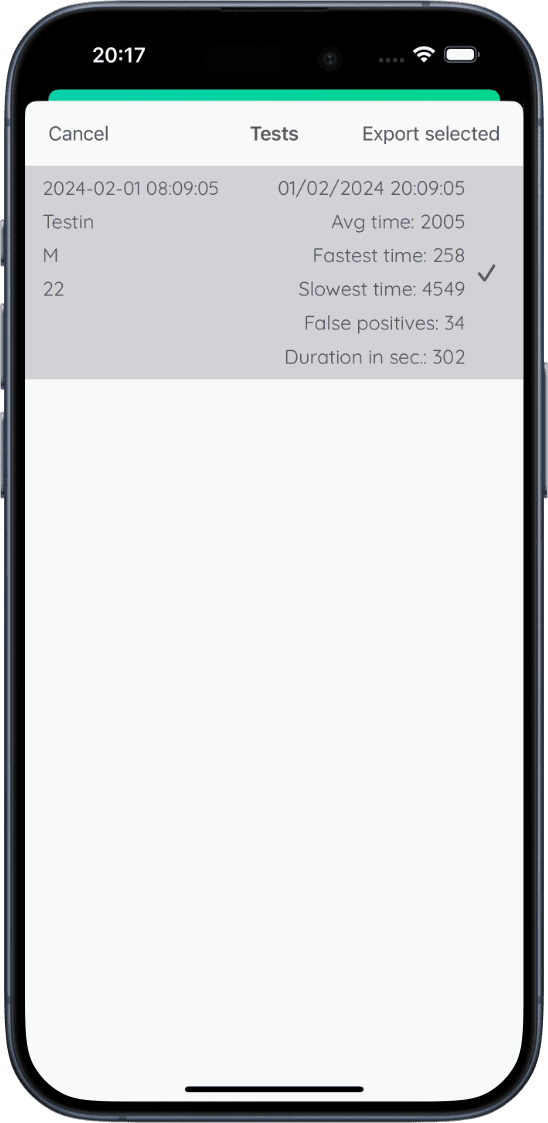
After each test you can add a test name, remark, sex and age. The app then reports:
- Average, fastest and slowest reaction time over all valid responses.
- False positives (false starts): taps while no stimulus is shown.
- Slow responses: reaction times above your threshold.
- Total lapses: false positives plus slow responses.
- Test duration in seconds.
The CSV has the columns Task,TapTime,Milliseconds with one row per tap, followed by the summary values for each session. False starts are recorded as 0 ms. Because every reaction time is in the file, you can compute other PVT outcomes such as the median, 1/RT or the slowest 10% in Excel, SPSS, R or Python. Export one session or many at once through the share sheet.
Data and privacy
Vigilance Buddy has no account and no server. Test results are stored only on the device and leave it only when you export a CSV. On Android, the system's own device backup may include app data. See the privacy policy for details.
Timing
Reaction times are recorded with millisecond resolution using the device clock. As with any touchscreen task, the screen and touch sensor add a small delay that differs between devices, so use the same device for comparisons within a study. Vigilance Buddy runs on iOS 17 or later (iPhone and iPad) and Android 8.0 or later.
For research and education. Research Buddies apps are not medical devices and are not intended for diagnosis or treatment.
Vigilance Buddy FAQ
Can I use this app for my thesis or small research project?
Yes. Vigilance Buddy is built for collecting Psychomotor Vigilance Task (PVT) data in bachelor and master theses and small pilot studies.
Do I need special lab equipment?
No. You only need an iOS or Android device. The app handles the timing of the stimuli and logs reaction times for you.
Can I export my PVT data to Excel, SPSS, or R?
Yes. You can export your results as a .CSV file and open it in tools like Excel, SPSS, R, or Python for further analysis.
Is the app available in other languages?
Yes. Vigilance Buddy follows the device language and is available in English, Spanish, Portuguese, German, French, Dutch, Japanese, Chinese (Simplified) and Arabic.
How do I cite Vigilance Buddy?
Cite it as software, for example in APA 7 style: Byrt. (Year). Vigilance Buddy (Version x.y) [Mobile app]. https://researchbuddies.com/vigilance-buddy. Fill in the version you used and the year it was released. Both are shown on the app's App Store or Google Play page.
References
- Dinges, D. F., & Powell, J. W. (1985). Microcomputer analyses of performance on a portable, simple visual RT task during sustained operations. Behavior Research Methods, Instruments, & Computers, 17(6), 652–655.
- Basner, M., & Dinges, D. F. (2011). Maximizing sensitivity of the PVT to sleep loss. Sleep, 34(5), 581–591.
Use Vigilance Buddy with other Research Buddies apps
Combine Vigilance Buddy with Stroop Buddy for Stroop Tests, NBack Buddy for N-back working memory tasks, Trail Buddy for Trail Making Tests, Go/No-Go Buddy for response inhibition, and Flanker Buddy for selective attention (Eriksen Flanker) tests, or visit the Research Buddies home page to see all cognitive test apps.